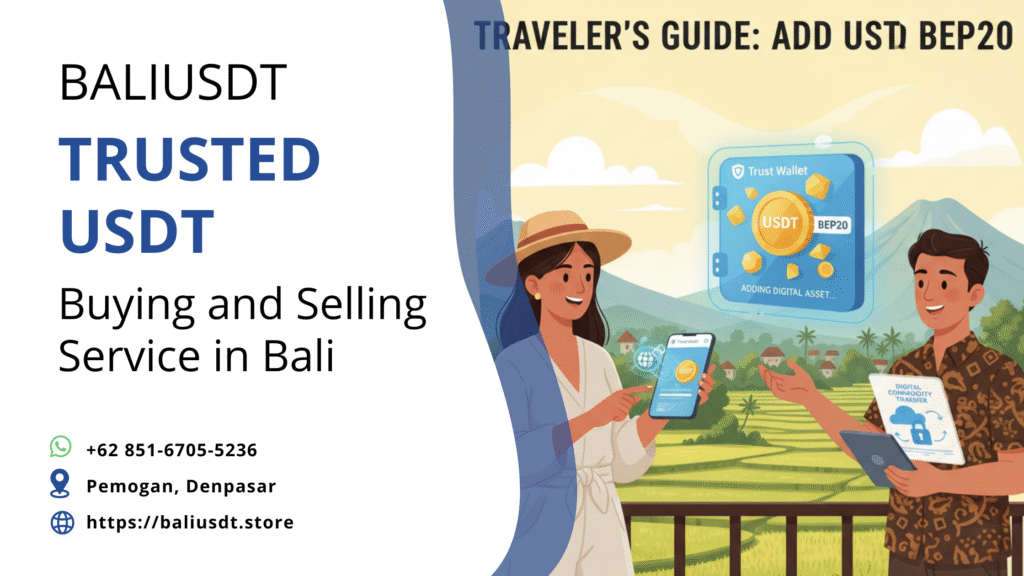
For international travelers and digital nomads managing funds efficiently, knowing how to add USDT BEP20 to Trust Wallet is a highly valuable skill. USDT BEP-20 is the version of Tether that operates on the BNB Smart Chain (BSC), a blockchain specifically designed to offer extremely low transaction fees and fast confirmation times. As a result, this network has become incredibly popular for frequent, high-volume transactions, making it an excellent choice for converting stablecoins to local currency, such as Indonesian Rupiah (IDR), without incurring high costs. This guide will walk you through the precise steps to ensure you correctly add the token and secure your wallet, which is essential for safely navigating the crypto landscape while abroad.
Why BEP-20 is a Traveler’s Smart Choice
Before diving into the technical steps, understanding the advantages of the BEP-20 standard will clarify why this knowledge is vital for international financial management.
Cost and Speed Advantages
The BNB Smart Chain was engineered for scalability and efficiency, directly addressing the limitations of the older Ethereum network.
- Low Transaction Fees: Transactions on BSC are typically fractions of a US dollar. This cost efficiency stands in stark contrast to the often high and unpredictable “Gas Fees” of the ERC-20 network. For a traveler making numerous small to medium transfers, these savings accumulate rapidly.
- Rapid Confirmations: The BSC network finalizes transactions in just seconds. This speed is critical when you need funds urgently—for instance, paying a taxi driver or quickly converting funds at an off-ramp service in a busy city like Denpasar.
Therefore, for those prioritizing frequent, cost-effective fund movements, learning how to add USDT BEP20 to Trust Wallet offers a practical financial benefit.
Trust Wallet Preparation: A Secure Foundation
Trust Wallet is a popular non-custodial wallet, meaning you control your private keys—a non-negotiable security requirement for anyone traveling with significant digital assets. Before adding any token, you must ensure your wallet is correctly set up.
Wallet Security Checklist
If you are a new user, you must prioritize the security of your new wallet:
- Download Official App: Always download Trust Wallet from the official Apple App Store or Google Play Store. Phishing apps are a common scam.
- Backup Your Recovery Phrase: During setup, Trust Wallet will generate a 12- or 24-word Recovery Phrase. Write this down physically on paper and store it securely and offline (e.g., in a safe). Never store this phrase digitally. Your Recovery Phrase is the only key to your funds.
- Ensure BNB Smart Chain is Active: Trust Wallet often activates the primary networks by default. Check that BNB Smart Chain (BNB) is visible on your main wallet screen. This network’s native token, BNB, acts as the “gas” required to send any BEP-20 token, including USDT.
Once your wallet is secure and the BNB Smart Chain is active, you are ready to learn how to add USDT BEP20 to Trust Wallet.
Step-by-Step Guide: How to Add USDT BEP20 to Trust Wallet
You can add USDT BEP-20 to your wallet in two ways: using the automatic search function or manually adding the custom token. The automatic search is the simplest and safest method.
Method 1: Using the Automatic Search Function
This method works because USDT is one of the most popular stablecoins, and Trust Wallet usually lists it in its default database.
- Access the Token Menu: On the main wallet screen, locate and tap the “Manage Crypto” icon (often represented by two circles or a ‘plus’ button) in the top-right corner.
- Search for USDT: In the search bar that appears, type “USDT.”
- Identify and Enable BEP-20: A list of Tether tokens across various networks will appear. Carefully scroll down until you see an entry explicitly labeled “Tether USD (USDT)” with the tag “BEP-20” or “BNB Smart Chain.”
- Toggle the Switch: Tap the toggle switch next to the correct USDT BEP-20 token to turn it ON. A checkmark or highlighted status confirms activation.
Once enabled, return to your main wallet screen. The USDT BEP-20 token should now be visible and ready to receive funds.
Method 2: Manually Adding the Custom Token (Contract Address)
If the automatic search fails or you want to ensure absolute accuracy, you can add the token using its unique contract address.
- Obtain the Official Contract Address: You need the correct, verified BEP-20 USDT contract address. As of the time of writing, the official BEP-20 USDT contract address is $0x55d398326f99059fF775485246999027B3197955$. Crucially, always verify this address on a trusted block explorer like BscScan before using it.
- Start the Custom Token Process: Tap the “Manage Crypto” icon again and then tap the ‘+’ button at the top-right to initiate adding a custom token.
- Select the Network: Use the Network dropdown menu and select “BNB Smart Chain.” This step is mandatory.
- Input Details: Paste the verified contract address into the “Contract Address” field. Trust Wallet should automatically populate the Name (Tether USD), Symbol (USDT), and Decimals (18).
- Save: Tap “Save” or “Import” to finalize the process.
Successfully executing either of these methods completes the task of how to add USDT BEP20 to Trust Wallet.
The Next Step: Receiving and Using Your USDT BEP-20
After adding the token, you can confidently receive USDT from any exchange (like Binance or KuCoin) or another wallet.
Receiving Funds Safely
- Generate Address: From your Trust Wallet main screen, tap the newly added “Tether USD (USDT)” BEP-20 token. Select “Receive.”
- Copy Address: A QR code and the corresponding address will appear. The address will start with ‘0x’ (since BSC is EVM-compatible and uses the same address structure as Ethereum). Copy this address.
- The Critical Safety Check: When withdrawing USDT from your exchange to this Trust Wallet address, you must select the BNB Smart Chain (BEP-20) network option. Sending USDT from another network (like TRC-20 or ERC-20) to this BEP-20 address will result in permanent loss of funds.
This careful attention to network selection when using the address you generated after learning how to add USDT BEP20 to Trust Wallet prevents common and expensive errors.
Local Tips: Converting BEP-20 USDT in Bali
For travelers in Indonesia, the final step involves safely converting your stablecoin into local Indonesian Rupiah (IDR). Utilizing the BEP-20 network makes this process extremely cost-effective.
Off-Ramping with Low Fees
While the BEP-20 network is great for saving on fees, you must also be mindful of your gas currency.
- Hold Small BNB: To send your USDT BEP-20, you must pay transaction fees in the native currency of the network: BNB (Binance Coin). Always keep a small amount of BNB (around $5–$10 USD) in your wallet to cover transfer costs. Without BNB, your USDT is effectively locked.
- Secure Conversion: When looking to convert your USDT to IDR, safety is paramount. Avoid risky cash-for-crypto exchanges with unverified individuals. Instead, use established Over-The-Counter (OTC) services. These professional offices provide a secure, compliant environment for selling your stablecoins at competitive rates.
For secure, verified assistance, you can easily check today’s USDT selling rate via WhatsApp and find our office in Pemogan, Denpasar for a professional and secure transaction.
Conclusion
Understanding how to add USDT BEP20 to Trust Wallet successfully grants travelers access to one of the most efficient and low-cost stablecoin transfer mechanisms available today. By using the Trust Wallet’s simple search function or the manual custom token method, you can quickly integrate USDT BEP-20. The most critical takeaway is the network selection: always ensure you withdraw funds via the BNB Smart Chain (BEP-20) and hold a small amount of BNB for gas fees. Following these steps ensures your digital finances remain safe, fast, and economical, allowing you to focus on enjoying your international travels rather than worrying about high transaction costs.
Get guidance for selling USDT legally in Indonesia
📲 Whatsapp us to sell your USDT safely: +62 851-6705-5236
Visit our office in Bali for secure USDT selling: Pemogan, Denpasar
USDT is processed as a commodity sale in Indonesia, not as a direct payment method.
Read also: Which Country Has Cheapest USDT? Full Global Comparison